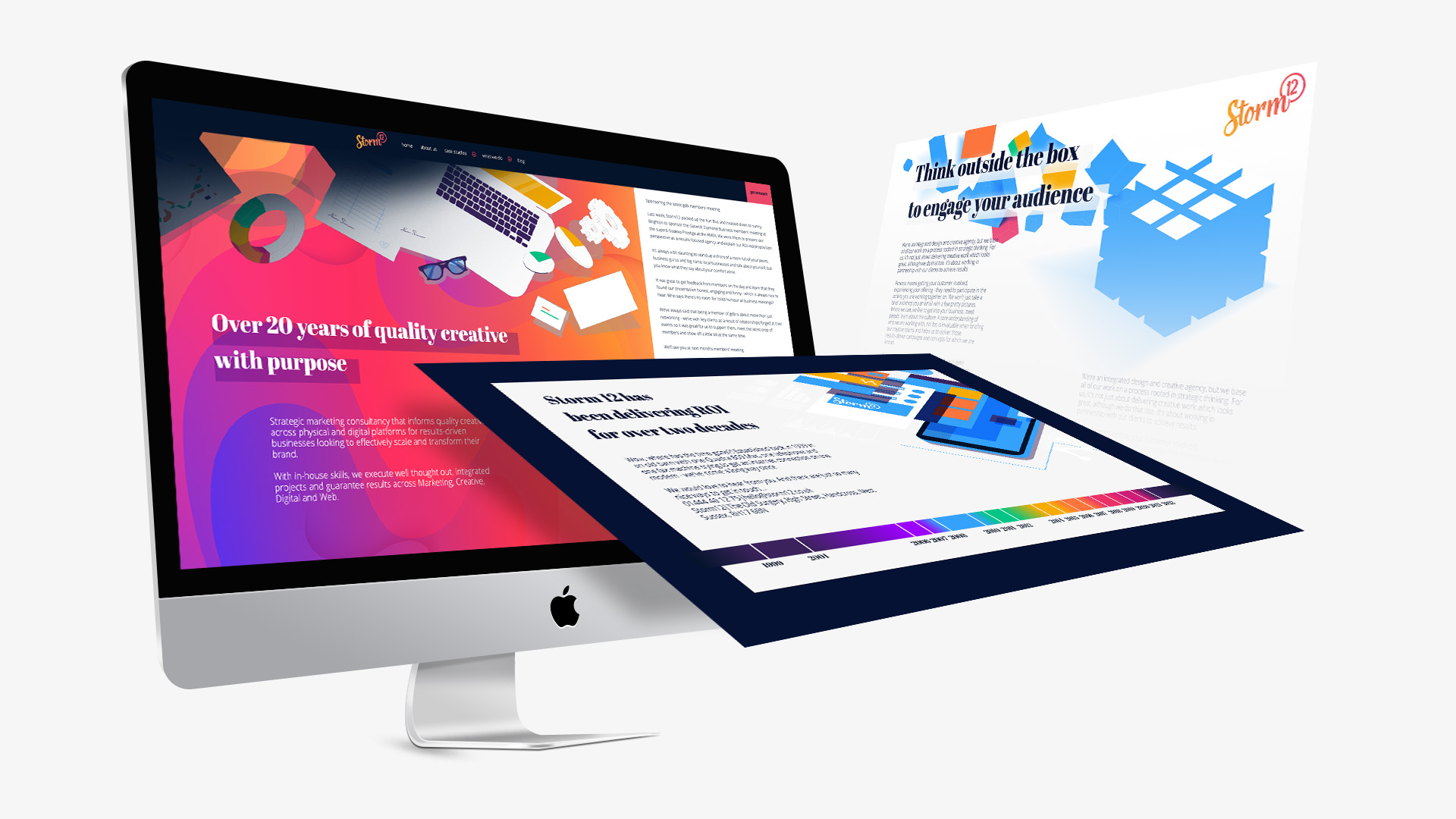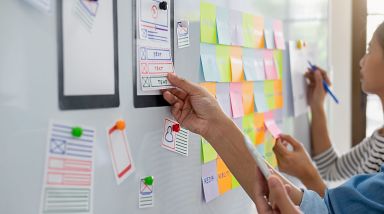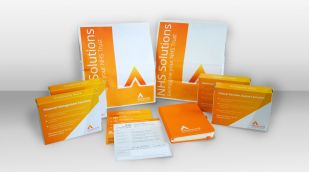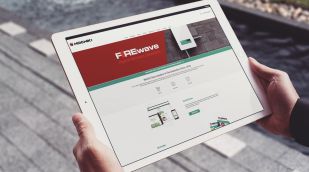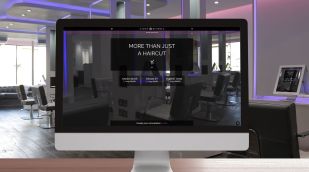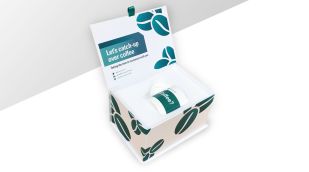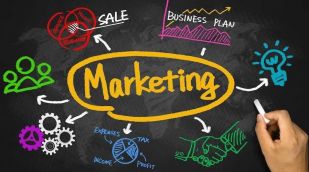

Strategic marketing consultancy that informs quality creative across physical and digital platforms for results-driven businesses looking to effectively scale and transform their brand.
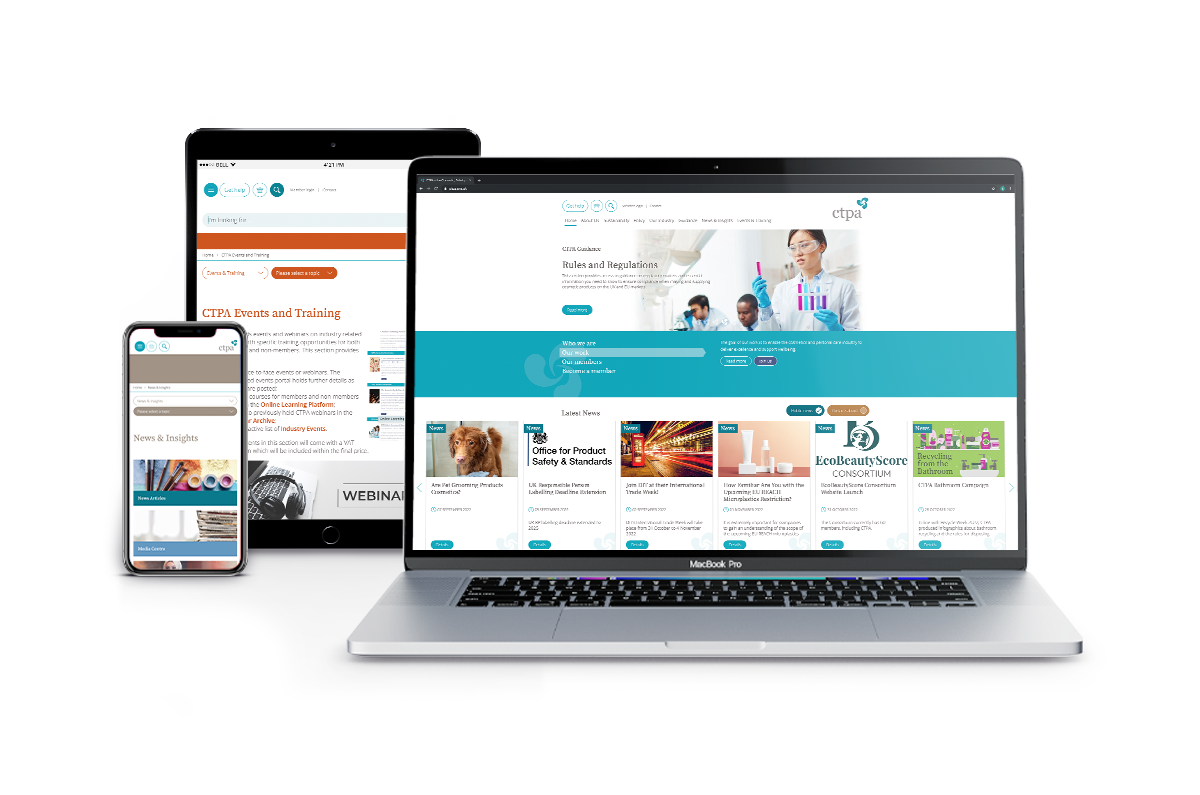
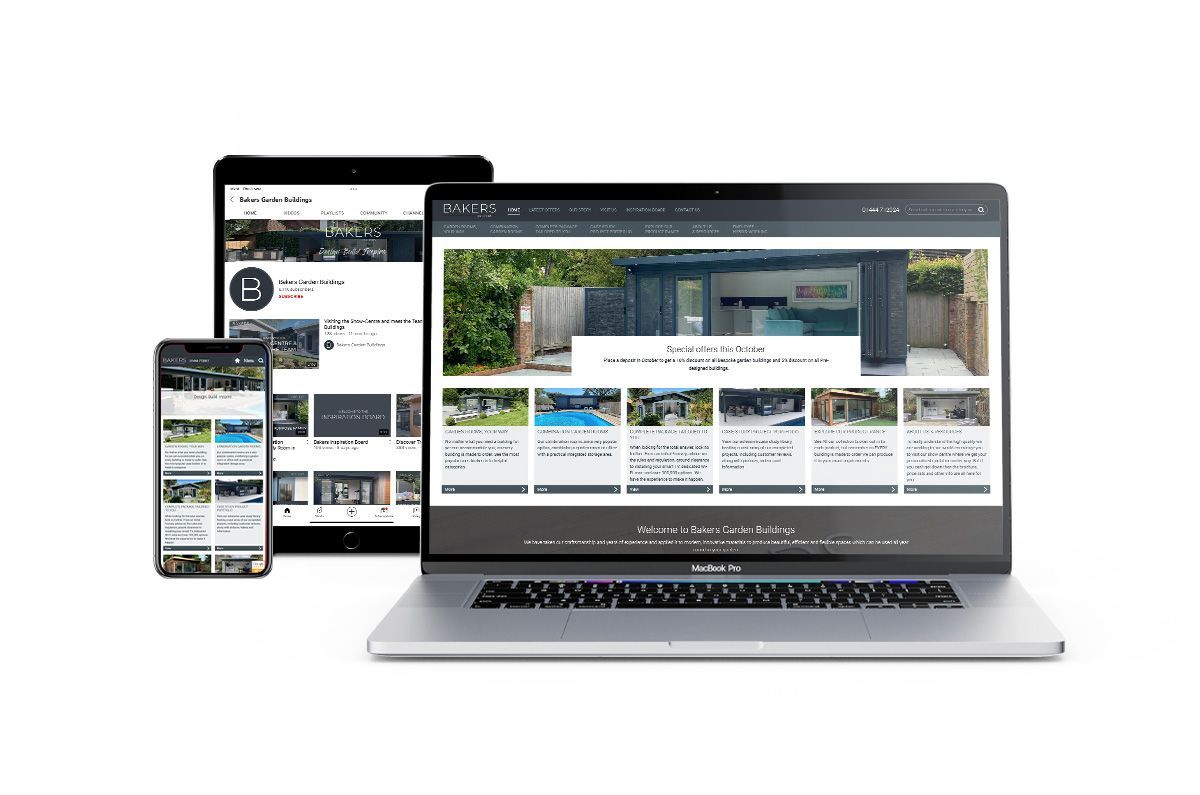
With in-house skills, we execute well thought out, integrated projects and get results across Marketing, Creative, Digital and Web.
Results-focused approach
We're here to help you grow your business. Everything we do is centred around your brand, your values, your targets, your audience and our commercially-focused approach means you get creative with purpose.
This strategy-led mission enables us to deliver what you need, when you need it.